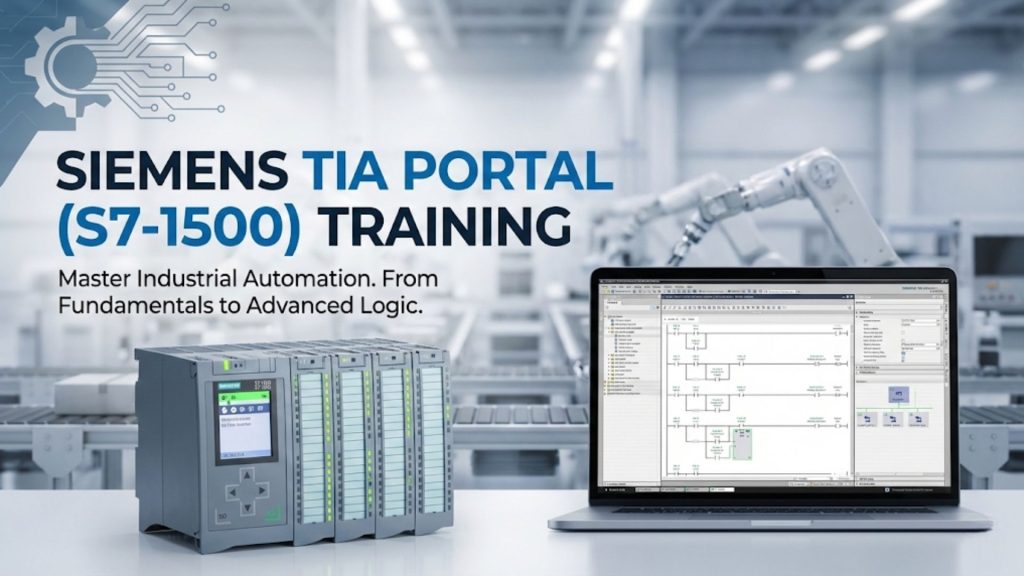
The Siemens SIMATIC S7-1500 with TIA Portal (Totally Integrated Automation) represents the current generation of Siemens PLC technology. Understanding TIA Portal’s project structure, language support, and network configuration is essential for engineers working on Siemens automation projects.
SIEMENS S7-1500 QUICK REFERENCE
TIA Portal CPU Comparison
| CPU Series | Typical Use | Safety Rated |
|---|---|---|
| S7-1500 Standard | General automation, motion | No |
| S7-1500F (Failsafe) | Safety-rated up to SIL 3 | Yes – SIL 3 |
| S7-1500T (Technology) | Advanced motion / cam | Optional |
| ET 200SP CPU | Distributed, space-saving | F variant |
TIA Portal Tip: Use the “Compare networks” tool (Ctrl+K) in Ladder to spot duplicate logic across OBs before downloading.
TIA Portal Project Structure
A TIA Portal project is organised hierarchically:
- Project: Top-level container for all devices and networks
- Device: An S7-1500 CPU, HMI panel, drive, or network device
- Program blocks: OBs, FBs, FCs, DBs that contain the control logic
- Device configuration: Hardware configuration, I/O addressing, and communication settings
S7-1500 Block Types
- OB (Organisation Block): The entry points called by the operating system. OB1 = main cyclic program, OB30 = 100ms cyclic interrupt, OB40 = hardware interrupt, OB121 = programming error.
- FB (Function Block): Reusable code with associated instance Data Block (DB) for data retention between calls. Use for equipment modules (pump FB, valve FB).
- FC (Function): Reusable code without persistent data. Use for calculation routines called from multiple places.
- DB (Data Block): Data storage. Global DBs shared across the program; Instance DBs associated with one FB call.
PROFINET Configuration in TIA Portal
- In Device Configuration, select the CPU and open Network View
- Add PROFINET IO devices (Siemens ET 200SP, drives, third-party with GSDML files)
- Connect devices to the CPU’s PROFINET port in the topology view
- Assign device names and IP addresses using the online Assign Device Name function
- Set update times (cycle time) for each IO device – 1ms for motion, 10ms for standard I/O
S7-1500 Security Features
The S7-1500 introduces hardware-level security features absent from S7-300/400:
- Know-how protection: Encrypt individual blocks to protect IP
- Copy protection: Bind a program to a specific CPU serial number
- Access protection: Four-level password protection (No restriction, Read, HMI, Write)
- Secure Communication: TLS-encrypted OPC UA server built into the CPU
Motion Control with S7-1500
S7-1500T (Technology CPU) adds PLCopen-compliant motion control function blocks for positioning, speed, and camming control. Kinetix-equivalent functionality is available using Sinamics drives over PROFINET IRT.